How To Open Ford Key Fob? Step-by-Step Better 7 Guide
Want to open a Ford key fob? It’s simple with a few quick steps for battery changes or minor fixes.
Knowing how to open your Ford key fob is key, as these gadgets are vital for using your car.
This guide will show you how to open your key fob, change the battery, and do any repairs needed.
First, we’ll help you figure out the model and what tools you’ll need. If your key fob battery is dying or you just want to check it, knowing how is important.
You’ll learn the best ways to open your Ford key fob carefully, take out the old battery, and put in a new one the right way.
With these new skills, you’ll not only save on repair costs but also make sure your key fob works well. Let’s get into how to expertly replace the battery and fix your Ford key fob!
Introduction To Ford Key Fobs
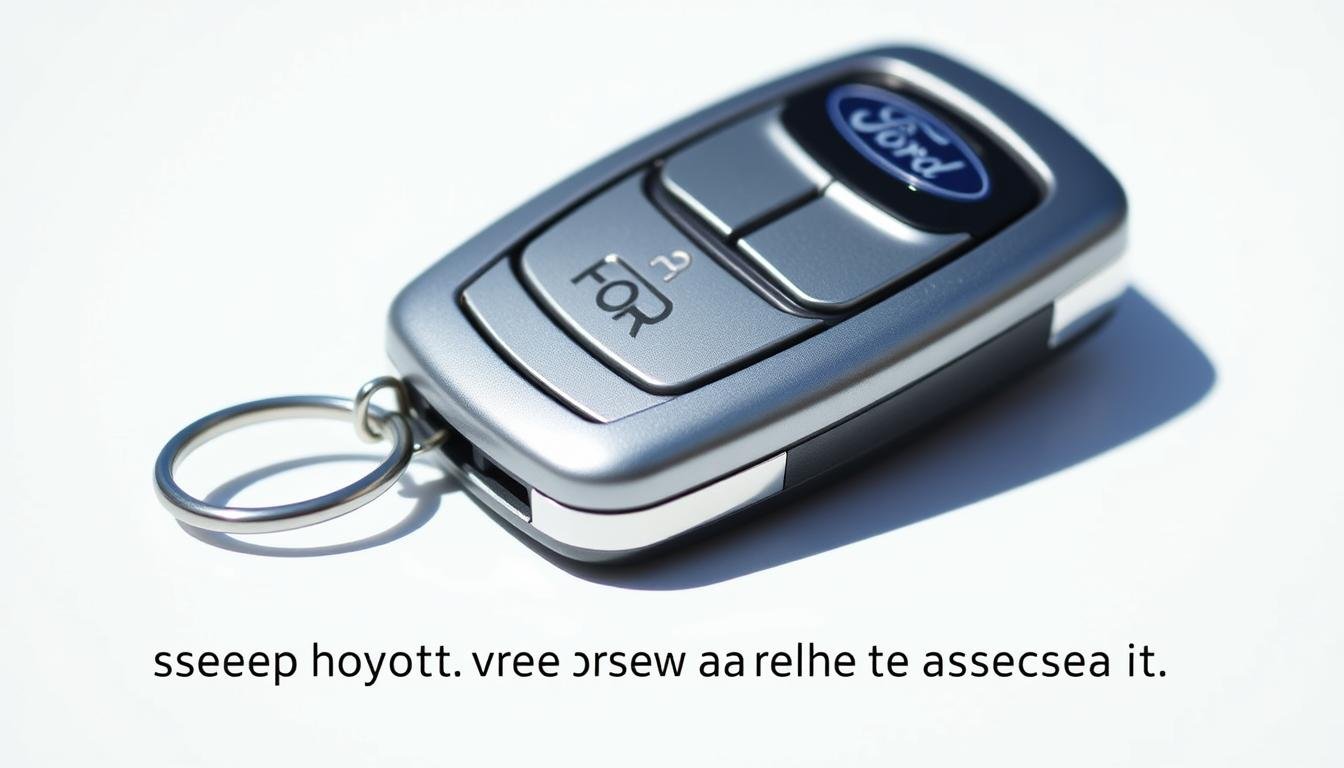
The Ford key fob is a big step forward in car technology. It’s a key tool for car owners today. It lets you lock, unlock, and start your car easily with a button.
Key fobs are also packed with security features. This makes your car safer and improves your driving experience.
Having a reliable Ford key fob brings convenience and protects your car. It’s key for safe access and is vital in your daily life.
What is Ford Key Fob Models?
Ford key fobs are designed in various styles, each with unique features. Knowing these differences is important for their best use and care.
By learning about the distinct types, you can figure out which model you have. This helps you get the most from your key fob.
Popular Types of Key Fobs
Several key fob types exist for Ford vehicles. Among the common ones are:
- Flip keys: These come with a foldable design for easy storage. They also protect the blade key.
- Smart keys: They support keyless entry, making it easier to unlock and start your car without using a key.
- Integrated keys: This type merges the key and remote into one, making access and control more straightforward.
Model Variations Over The Years
Ford’s key fobs have greatly evolved over time. Each new version brings technological betterments and design tweaks, improving user experience.
Key differences might be seen in:
| Model Year | Key Fob Type | Notable Features |
|---|---|---|
| 2010 | Flip Key | Compact design; Includes basic locking/unlocking functions. |
| 2015 | Smart Key | Keyless entry; Proximity-based technology; Enhanced security. |
| 2020 | Integrated Key | All-in-one functionality; Modern aesthetic. |
The Importance of A Functional Key Fob
A working key fob makes using your Ford much easier. It lets you get into your car without digging for keys, especially when it’s raining or snowing.
This shows how a good key fob makes things better for car owners. It’s also key for keeping your car safe.
If your key fob isn’t working right, someone could get into your car. So, it’s important to keep it in top shape.
Doing regular checks keeps your car safe from risks like old tech or dead batteries. Moreover, a working key fob lets your car start faster.
This saves you time and makes driving nicer. Making sure your key fob is okay means you can always start your journey smoothly.
Common Issues with Ford Key Fobs
Ford key fobs are crucial for your daily activities but can cause stress if they fail. It’s important to know when they need checking.
Signs include a few common issues that tell you it’s time for a change.
Symptoms of A Dying Key Fob Battery
Spotting a weak key fob battery early can prevent troubles. As the battery wears down, you might notice:
- Weak signal strength when attempting to unlock or start your vehicle.
- Delayed response times when pressing buttons.
- Unresponsive buttons despite multiple attempts.
- Inconsistent operation, where the fob works intermittently.
If these symptoms show up, check your key fob’s battery soon. Quick action can keep you from being stuck with a dead key fob when least expected.
When To Replace Your Key Fob
Recognizing the right time to replace your key fob is key. Consider getting a new fob if you often see signs of a failing battery, and especially when:
- The battery replacement does not resolve the issues.
- The fob is physically damaged or waterlogged.
- The buttons are cracked or malfunctioning.
Tools You Will Need For Opening Ford Key Fob
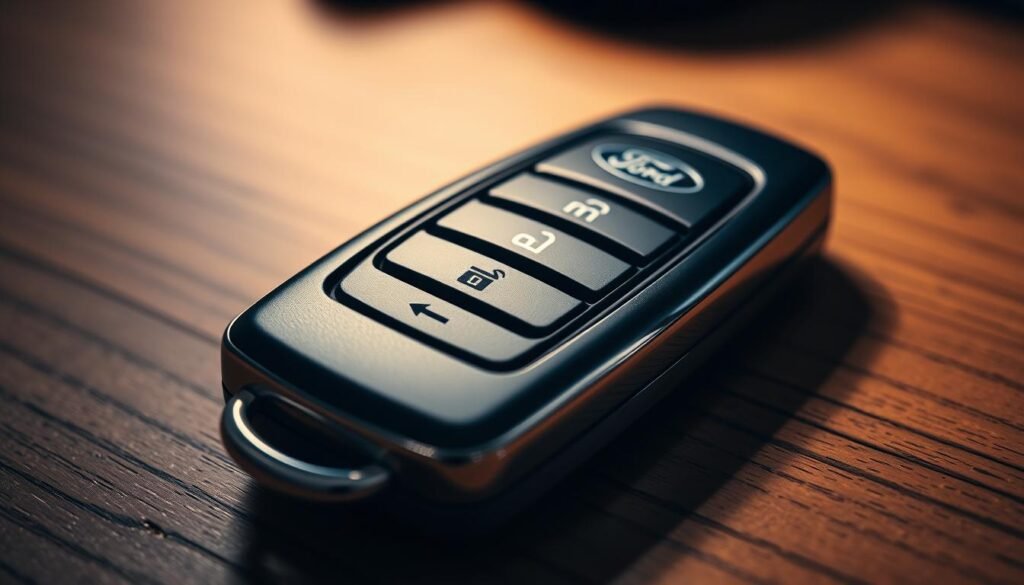
Opening your Ford key fob to replace its battery requires the right tools. With the correct tools, you make the task smoother and avoid damaging the key fob.
Listed below are the tools you’ll need and some extra ones for making the job even easier.
Essential Tools For Battery Replacement
- Small flathead screwdriver: Ideal for prying open the key fob casing.
- Replacement battery: Usually a CR2032 or CR2025 battery, depending on your key fob model.
Optional Tools For Ease of Use
- Plastic pry tools: Useful for preventing scratches on the casing.
- Needle-nose pliers: Help in gripping and maneuvering small components.
If you have these tools, fixing your key fob’s battery becomes easier. With the right toolkit, you’ll likely succeed faster and hassle-free.
How To Open Ford Key Fob
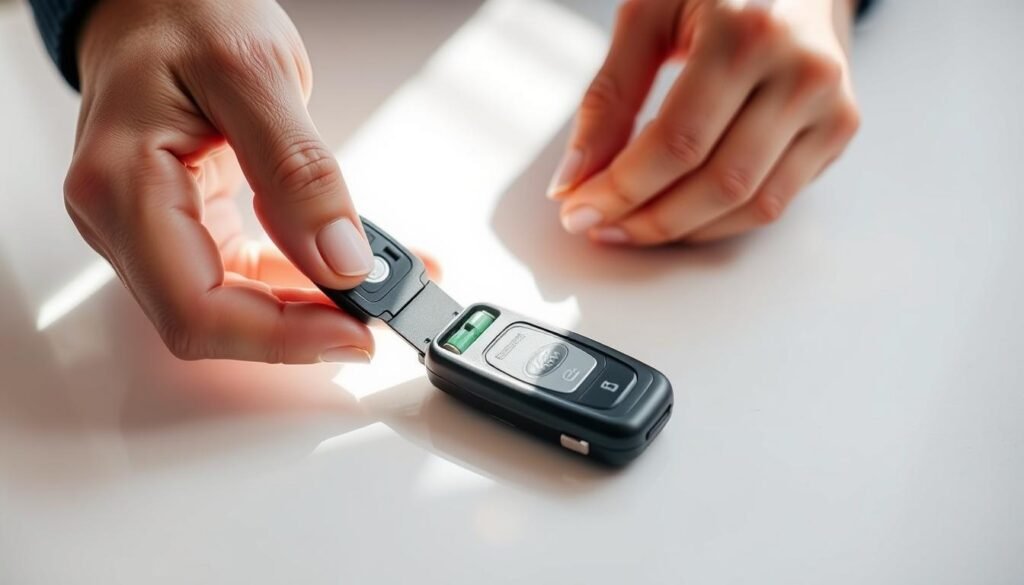
Learning to open a Ford key fob is crucial for changing the battery and upkeep. First, find the small notch. It’s usually on the side or back of the fob. This will be where you start.
Take a small flathead screwdriver and carefully pry the fob open at the notch. Be very careful not to harm the inside parts.
With this method, you can open the Ford key fob. This lets you get to the battery and other parts inside.
Steps To Remove The Old Battery
Once you’ve opened your Ford key fob, the next stage is getting the old battery out. It’s important to know which battery to get as a replacement.
Make sure you remove the battery carefully to keep your fob and its parts safe from damage.
Identifying The Battery Type
Before you start, figure out what type of battery your fob needs. Many Ford key fobs use batteries like CR2032 or CR2025. You can find this info on the battery or in your car’s manual.
Careful Removal Techniques
To remove the battery safely, follow these steps:
- Use a non-metal tool to gently take the battery out. This avoids electrical shorts.
- Remember how the battery was positioned so you can put the new one in correctly.
- Handle the battery with a clean cloth to keep the compartment clean.
- Don’t force the battery out to avoid breaking anything.
These steps are about being gentle when taking the battery out. This ensures you won’t harm your key fob. Follow these instructions to switch batteries without trouble.
| Battery Type | Common Usage | Dimensions (mm) |
|---|---|---|
| CR2032 | Ford key fobs | 20 x 3.2 |
| CR2025 | Ford key fobs | 20 x 2.5 |
Installing A New Battery in Your Key Fob
When installing a new battery in your Ford key fob, picking the right one is crucial. The most common types are CR2032 and CR2025.
Check your key fob’s requirements to ensure compatibility for it to work well.
Choosing The Right Replacement Battery
For your key fob to work right, choose a battery that matches its specs. Look at the user manual or the old battery’s model number.
Using the correct battery avoids problems like malfunction or weak signal.
Ensuring Proper Orientation of The Battery
Having the right battery, pay attention to how you put it in. Placing it wrong means your key fob might not work.
Make sure you line up the positive (+) and negative (-) sides correctly, as shown inside the fob. Getting this right is key when changing your Ford fob’s battery.
| Battery Type | Dimensions (mm) | Common Uses |
|---|---|---|
| CR2032 | 20 x 3.2 | Ford key fobs, watches |
| CR2025 | 20 x 2.5 | Ford key fobs, remote controls |
Reassembling Your Ford Key Fob
Now that you’ve changed the battery, it’s time to put your Ford key fob back together. This is important to make sure it works right.
Start by carefully joining the two halves of your key fob. Check that everything inside is in its correct place. Pay attention to any guides that help fit the pieces together.
When putting the key fob together, press down softly yet firmly. You should hear a click. This sound means everything is in place as it should be.
If you don’t hear this click, it might not be closed right. That could lead to damage or it not working.
After you’re sure the fob is fully closed, check that all the buttons are working fine. Keeping your key fob in working order means you can easily use your car.
Testing Your Key Fob After Battery Replacement
After you replace your Ford key fob’s battery and put it back together, you must test it. This ensures it works right. Let’s go over the steps to do this.
Initial Functionality Checks
First, check the basic features:
- Press the lock button to see if the doors lock.
- Press the unlock button to ensure the doors unlock properly.
- Use any additional features, such as the trunk access button, to check if those functions work.
- Listen for the audible confirmation from the vehicle, such as horn chirps or lights flashing.
Doing these checks will show if your key fob works after changing the battery.
Troubleshooting Common Issues
Issues might pop up while testing. Here are common problems:
- Ensure the battery is installed correctly, matching the orientation guidelines.
- Check for any dirt or corrosion on the battery contacts that may interfere with connectivity.
- Examine the key fob casing for any damage that might affect performance.
- Try replacing the battery again if you suspect it may be defective.
Use these tips to fix any issues quickly. With this advice, you can be sure your key fob works well.
Ford Key Fob Maintenance Tips
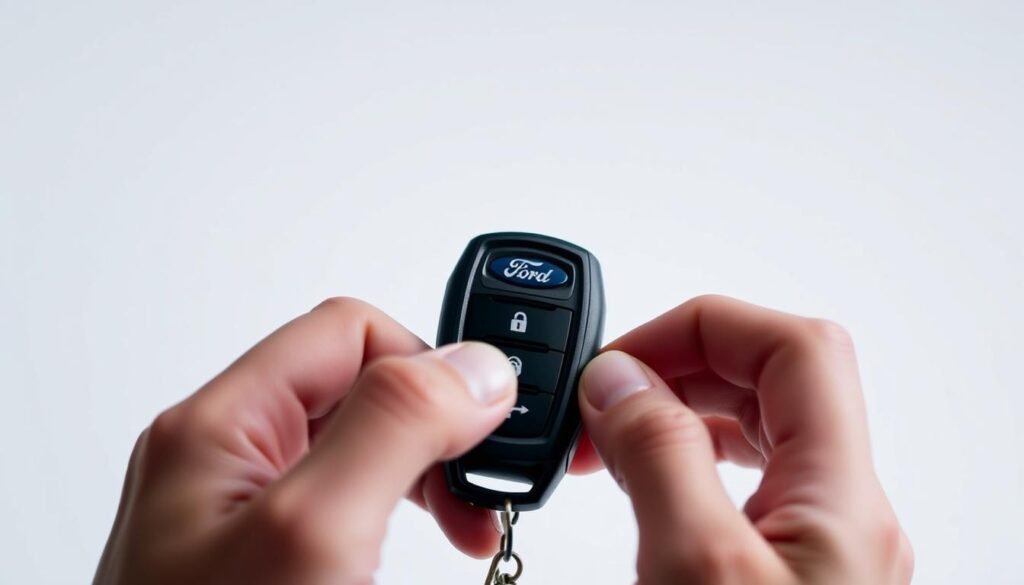
Keeping your Ford key fob in great shape requires regular care. To make sure it works well and lasts long, follow these key fob care tips. These steps will help keep your key fob reliable.
- Store the key fob in a dry location to prevent moisture damage.
- Avoid exposing the fob to extreme temperatures, as both heat and cold can negatively impact battery performance.
- Regularly clean the key fob with a soft, dry cloth to remove dirt and grime, which can interfere with its functionality.
- Check the battery frequently and replace it as needed to avoid premature battery drain, a crucial aspect of prolonging key fob life.
- Keep your key fob away from heavy electronics that may cause interference.
Following these simple yet important tips can keep your Ford key fob working well. This way, you’ll get to enjoy its convenience for a longer time.
When To Seek Professional Help
Sometimes, you can fix key fob issues yourself. But certain problems need a pro’s touch.
Knowing when to ask for help with key fob troubles can save time and cut down on stress.
Signs You May Need Expert Assistance
Watch out for these key fob failure signals:
- The key fob does not respond even after changing the battery.
- You experience intermittent connectivity problems, where the fob works sporadically.
- Programming attempts fail repeatedly, indicating a potential need for complex reprogramming.
- Physical damage is evident, such as cracks or water exposure that could affect internal components.
- There are issues with your vehicle recognizing the key fob, which can signify deeper electronic problems.
If any of these issues pop up, it’s smart to get professional help. Going to a Ford dealer or a skilled technician means you get the right fix. This ensures your vehicle’s entry and ignition work smoothly.

| Signs of Key Fob Failure | Recommended Action |
|---|---|
| No response after battery change | Consult a professional for possible circuit issues |
| Intermittent functionality | Check with an expert for potential repairs or reprogramming |
| Failed programming attempts | Seek expert assistance for complex reprogramming |
| Visible damage or water exposure | Visit a dealer for replacement and diagnosis |
| Vehicle not recognizing the fob | Get a professional’s evaluation for electronic problems |
Conclusion
Knowing how to open your Ford key fob is key for all car owners. This guide makes replacing the battery easy. It also helps with fixing usual problems.
This way, you can keep your key fob working well. It’s important to check your key fob often. And change the battery when needed.
This helps you avoid problems from a weak battery. It makes your driving better.
This guide gives you the tools to solve key fob problems. Keeping your Ford key fob working well isn’t just smart; it helps you enjoy driving without problems.
Make looking after your key fob part of caring for your car. Then, you’ll always be ready to go.
FAQs
Q: How do I open my Ford key fob?
A: To open your Ford key fob, look for the small notch on the side or back. Use a small flathead screwdriver to carefully pry it open. Be careful not to hurt any insides.
Q: What type of battery does my Ford key fob use?
A: Your Ford key fob likely uses a CR2032 or CR2025 battery. Make sure to check your model to see which one you need.
Q: What should I do if my Ford key fob is not working?
A: If your key fob stops working, first check its battery. Replace the battery if needed and try again. If it still doesn’t work, you might need to reprogram it or get help.
Q: How can I program my Ford key fob?
A: Programming your Ford key fob usually requires following certain steps. These steps can vary by vehicle model. Look in your owner’s manual or talk to a Ford dealer for help.
Q: Can I repair my Ford key fob myself?
A: Yes, you can fix some small problems with your Ford key fob at home. This includes changing the battery or cleaning it. For bigger repairs, you might need an expert.
Q: How can I extend the lifespan of my Ford key fob?
A: To make your Ford key fob last longer, keep it dry and avoid hot or cold places. Also, keep it clean to stop button and contact damage.
Q: Is it necessary to replace the key fob entirely if the battery is dead?
A: No, you don’t have to get a new key fob if the battery dies. Just replace the dead battery to make it work again.
Q: What should I do if my key fob buttons are unresponsive?
A: If your key fob buttons don’t respond, first try a new battery. If they still don’t work, look for damage or ask an expert for help.